Best CRM Software in 2026: Compared, Ranked, Reviewed
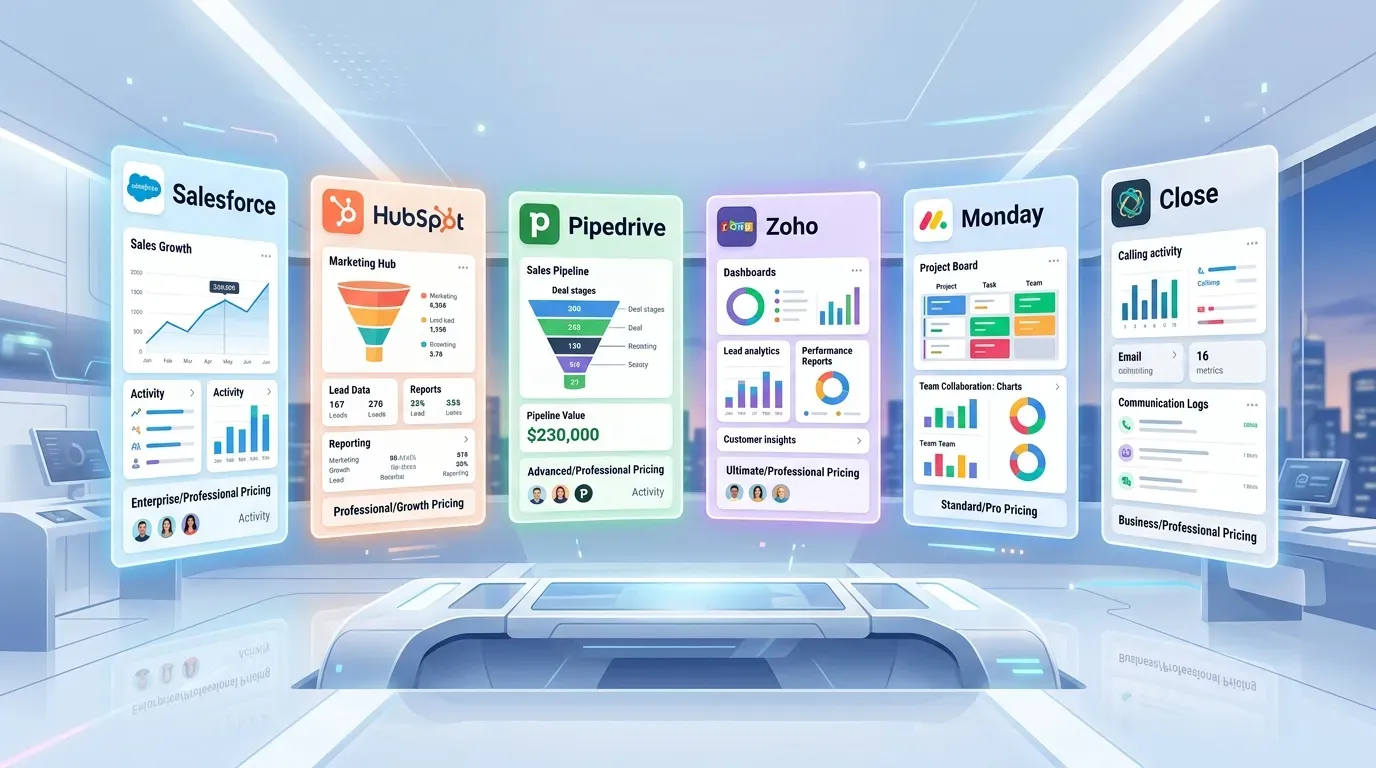
The CRM market in 2026 is the most crowded software category in B2B — over 600 platforms list themselves as a CRM, and the gap between marketing claims and real usability is enormous. The wrong CRM choice doesn’t just waste money; it slows down every salesperson on your team for years until you finally migrate.
This guide is an independent ranking of the best CRM software of 2026 across small business, mid-market, and enterprise tiers. We’ve evaluated each platform on ease of use, pricing transparency, customization depth, integration ecosystem, and ideal use case — and linked directly to every vendor below so you can start a free trial or get a quote in one click.
What a CRM actually does
A modern CRM stores every interaction with every prospect and customer — emails, calls, meetings, documents, deal stages, support tickets, invoices, NPS scores — and turns that data into a single source of truth for sales, marketing, and customer success teams. The right CRM:
- Keeps your pipeline visible. Every deal, every stage, every owner, every blocker — at a glance.
- Removes manual data entry. Email, calendar, phone, and chat integrations log activity automatically.
- Surfaces the next action. AI now drives “what to do next” — call this lead today, follow up on this stalled deal, send a quote.
- Forecasts revenue. Real-time pipeline math beats spreadsheet exports every Friday.
- Connects revenue to marketing. Closed-loop reporting tells you which campaigns generated revenue, not just leads.
- Scales with you. A CRM you outgrow in 18 months costs more (in migration pain) than the difference between tiers.
Picking the right CRM is a 3–5 year decision. Get it right.
How we evaluated CRMs
Six dimensions that matter for real-world sales teams:
- Time-to-value — how long until a salesperson is productive in the tool?
- Pricing transparency — is the listed price what you actually pay, or do hidden seats, add-ons, and “Enterprise” tiers double the bill?
- Customization depth — can you model your sales process, or are you forced into the vendor’s template?
- Integration ecosystem — does it connect to your email, calendar, marketing, accounting, and vertical tools?
- AI capability — does the AI actually save time, or is it a marketing badge?
- Total cost of ownership — license + implementation + admin + training over 3 years.
The best CRM software of 2026 (ranked by use case)
Best overall for SMB: HubSpot CRM
HubSpot’s free tier is the best free CRM ever shipped. The paid Sales Hub adds automation, sequences, forecasting, and quotes. The Marketing Hub adds email, landing pages, and lead scoring — all integrated with the same contact database, which is the killer advantage.
- Strengths: Easiest learning curve, generous free tier, marketing-sales alignment, strong inbound community
- Weaknesses: Pricing escalates fast across hubs and tiers; $20/user “Starter” gives way to $100+ “Pro”
- Pricing: Free; Sales Starter $20/seat/mo; Sales Pro $100/seat/mo; Enterprise $150/seat/mo
- Best for: Marketing-led companies, content-heavy go-to-market, small-mid teams
Best for sales-led SMB: Pipedrive
Pipedrive is the cleanest visual pipeline CRM in the market. Built by salespeople for salespeople; almost no learning curve. Lacks HubSpot’s marketing breadth but wins on focus.
- Strengths: Visual pipeline, simple UX, strong activity-based selling features
- Weaknesses: Limited marketing automation; reporting is shallow at lower tiers
- Pricing: Essential $14/seat/mo; Advanced $29; Professional $59; Power $69; Enterprise $99
- Best for: Pure sales teams under 50 reps, B2B services, agencies
Best feature-to-price ratio: Zoho CRM
Zoho CRM packs nearly Salesforce-level functionality for one-third the price. The trade-off: UX is dense and the integration ecosystem is smaller. But for budget-conscious teams who need real customization, Zoho is unbeatable.
- Strengths: Massive feature set at low price, full Zoho One bundle (45+ apps for $37/user/mo)
- Weaknesses: UI is busy, support quality is uneven
- Pricing: Standard $14/seat/mo; Professional $23; Enterprise $40; Ultimate $52
- Best for: Mid-market companies wanting Salesforce capabilities without Salesforce price
Best enterprise CRM: Salesforce Sales Cloud
Salesforce remains the enterprise standard. Highest customization ceiling, biggest partner ecosystem, deepest integration network. The Lightning Platform lets you build essentially any business process. Cost and complexity are real — but for large, complex sales orgs, no alternative comes close.
- Strengths: Unlimited customization, AppExchange ecosystem, multi-cloud (Sales, Service, Marketing, Commerce)
- Weaknesses: Expensive; requires admin headcount; long implementation
- Pricing: Starter $25/seat/mo; Pro $80; Enterprise $165; Unlimited $330
- Best for: Sales teams 50+ reps, complex multi-stage B2B, regulated industries
Best Microsoft-native enterprise CRM: Microsoft Dynamics 365 Sales
If your stack is Microsoft (Outlook, Teams, Office, Azure), Dynamics 365 is a natural fit. Tight integration with the Microsoft Cloud, Power Platform automation, and Copilot AI throughout. Often paired with LinkedIn Sales Navigator (also Microsoft-owned).
- Strengths: Microsoft 365 integration, Copilot AI, Power Platform extensibility
- Weaknesses: Steep learning curve outside the Microsoft ecosystem
- Pricing: Sales Pro $65/seat/mo; Sales Enterprise $105; Sales Premium $150
- Best for: Microsoft-heavy enterprises, regulated industries, manufacturing
Best for high-velocity sales: Close CRM
Close is built for inside sales teams making 50+ calls a day. Native dialer, SMS, email sequences — all in one window without context-switching.
- Strengths: Built-in calling and SMS, sales engagement focus
- Weaknesses: Less suited for long enterprise sales cycles
- Pricing: Startup $49/seat/mo; Professional $99; Enterprise $139
- Best for: SDR/BDR teams, inside sales, high-volume outbound
Best for project-based sales: Monday Sales CRM
Monday’s CRM benefits from the parent platform’s project management strengths. Excellent for businesses where every deal is also a project (agencies, professional services, custom builds).
- Strengths: Highly visual, customizable boards, integrates with project management
- Weaknesses: Newer; lacks depth of established CRMs in pure sales features
- Pricing: Basic $12/seat/mo; Standard $17; Pro $28; Enterprise (custom)
- Best for: Agencies, professional services, hybrid sales+project teams
Best truly-free CRM: Bitrix24
Free for unlimited users (with feature limits). Includes CRM + project management + chat + intranet. Powerful but UX is dated.
- Strengths: Free for unlimited users, all-in-one platform
- Weaknesses: UI feels like 2015, learning curve
- Pricing: Free (unlimited users); paid plans from $49/mo (5 users)
- Best for: Bootstrap startups, small teams on tight budgets
Best simple CRM: Less Annoying CRM
Lives up to its name. Single tier, transparent pricing, designed for solo entrepreneurs and small teams who want a CRM without the complexity.
- Strengths: Dead-simple, single price, excellent support
- Weaknesses: Limited automation and integrations
- Pricing: $15/user/month, all features included
- Best for: Solopreneurs, real-estate agents, consultants under 10 people
Best for marketing automation + CRM: ActiveCampaign
ActiveCampaign is technically a marketing automation platform with a built-in CRM. For e-commerce and B2C marketing-led businesses, the combo is unbeatable.
- Strengths: Best-in-class email automation, behavioral triggers
- Weaknesses: CRM features are lighter than dedicated sales CRMs
- Pricing: Lite $19/mo; Plus $59; Pro $99; Enterprise $179 (per tier, includes CRM)
- Best for: E-commerce, B2C marketing-led, content-heavy businesses
Honorable mentions
- Freshsales (Freshworks) — Strong Zoho alternative; AI-driven lead scoring.
- Insightly — Solid SMB CRM with project management.
- Capsule CRM — Simple, clean, good free tier.
- Copper — CRM that lives inside Google Workspace.
- Keap (formerly Infusionsoft) — Small business CRM + marketing automation.
- SugarCRM — Long-running mid-market CRM.
- Nimble — Social-CRM hybrid; lightweight.
Quick comparison table
| CRM | Best for | Free tier | Paid from |
|---|---|---|---|
| HubSpot | Marketing-led SMB | Generous | $20/seat/mo |
| Pipedrive | Pure sales pipeline | 14-day | $14/seat/mo |
| Zoho CRM | Feature-rich budget pick | 15-day | $14/seat/mo |
| Salesforce | Enterprise customization | 30-day | $25/seat/mo |
| Dynamics 365 | Microsoft shops | 30-day | $65/seat/mo |
| Close | High-velocity inside sales | 14-day | $49/seat/mo |
| Monday CRM | Visual project-style | 14-day | $12/seat/mo |
| Bitrix24 | Free unlimited users | Robust | $49/mo flat |
| Less Annoying | Solopreneurs | 30-day | $15/user/mo |
| ActiveCampaign | Marketing + CRM | 14-day | $19/mo |
How to pick the right CRM
Three questions cut through the noise:
1. How complex is your sales process?
If it’s “lead → demo → close” with under 5 stages, almost any CRM works. If it’s “inbound → SDR qualification → AE discovery → solution engineer demo → procurement → security review → legal redline → contract → close,” you need a CRM with deep customization (Salesforce, Dynamics 365, Zoho Enterprise).
2. What’s your team size and growth trajectory?
Under 5 reps: HubSpot Free, Bitrix24, or Less Annoying. 5–25 reps: Pipedrive, HubSpot Sales Pro, Zoho CRM, Freshsales. 25–100 reps: HubSpot Pro/Enterprise, Salesforce Pro, Dynamics 365, Zoho Enterprise. 100+ reps: Salesforce Enterprise, Dynamics 365 Premium, custom.
3. What does your stack already look like?
If your marketing runs on HubSpot Marketing Hub, stay in HubSpot for CRM. If you live in Microsoft 365, Dynamics 365 is the path of least resistance. If you’re already on Google Workspace, Copper integrates natively. If you use QuickBooks for accounting, prioritize CRMs with deep QB integration (Method:CRM, Insightly, HubSpot’s QB integration).
Implementation reality check
Vendors love showing implementation timelines of 30–60 days. Real implementations run 3–6 months for SMB and 6–18 months for enterprise. The biggest costs are rarely software — they’re:
- Data migration (cleaning, deduping, mapping legacy data)
- Process redesign (changing how your team actually sells)
- Training and change management (getting reps to actually use it)
- Integration work (connecting to email, marketing, accounting, ERP)
- Ongoing admin (1 admin per ~30–50 reps for Salesforce/Dynamics)
Budget 2–3× the license cost in year 1 for full-stack implementations.
Common CRM selection mistakes
After watching hundreds of selection processes, the patterns repeat:
- Buying for the future, using in the present. Companies overspecify, end up with a CRM whose top 60% of features go unused.
- Letting the loudest stakeholder win. A pre-sales demo wow factor beats actual fit too often. Run pilots with real reps.
- Skipping the data audit. Migrating dirty data into a new CRM just relocates the mess.
- Underbudgeting implementation. “Just configure it ourselves” works at SMB, fails at mid-market.
- Not piloting with end users. Reps decide whether a CRM lives or dies; they should be in the demo and pilot.
- Forgetting offboarding cost. When you outgrow a CRM, exporting data is rarely as easy as importing.
Frequently asked questions
What is the best CRM software in 2026?
There’s no single best CRM — the right choice depends on your team size, sales complexity, and budget. For most small businesses, HubSpot CRM and Pipedrive are the top picks. For mid-market, Zoho CRM and Freshsales offer the best feature-to-price ratio. For enterprise sales teams, Salesforce Sales Cloud and Microsoft Dynamics 365 remain category leaders.
How much does CRM software cost?
Free CRMs (HubSpot Free, Bitrix24 Free, Zoho Bigin) cost nothing for small teams. Paid SMB CRMs start around $14–25/user/month. Mid-market CRMs run $40–80/user/month. Enterprise CRMs typically run $150–300+/user/month plus implementation.
What’s the difference between CRM and ERP?
CRM focuses on customer-facing functions (leads, deals, support). ERP covers internal back-office (finance, inventory, HR). Many businesses run both, integrated.
Should I choose Salesforce or HubSpot?
Choose HubSpot for ease of use and marketing-sales alignment. Choose Salesforce for deep customization, complex sales workflows, and enterprise scale.
Is there a CRM that integrates with QuickBooks?
Yes — Method:CRM is built on QuickBooks; HubSpot, Insightly, and Salesforce all have native QB integrations. See our CRM + QuickBooks integration guide for detailed comparisons.
How long does CRM implementation take?
SMB: 4–12 weeks. Mid-market: 3–6 months. Enterprise: 6–18 months. Don’t trust vendors quoting 30 days for anything but the simplest deployments.
Can I migrate from one CRM to another?
Yes, but it’s painful. Most CRMs offer CSV/API export. The hard parts are data hygiene, custom-field mapping, and history continuity. Specialized data migration partners (Trujay, Import2) often pay for themselves.
Do I need a CRM if I’m a solo founder?
Eventually. Under 50 customers and 10 active deals, a spreadsheet works. Past that, the manual coordination cost exceeds the CRM cost. Start with a free tier (HubSpot Free, Capsule CRM Free) so the upgrade path exists.
Related guides
- CRM for Small Business — deeper SMB-specific picks.
- Enterprise CRM Solutions — for 100+ rep organizations.
- Salesforce Alternatives — best non-Salesforce options.
- HubSpot CRM Pricing Explained — full breakdown of HubSpot tiers.
- CRM Implementation Services — when and how to hire help.
- CRM + QuickBooks Integration — connect sales to accounting.
The right CRM compounds value for years. The wrong one bleeds productivity for the same time horizon. Start with the right shortlist (this page), pilot with real reps, and don’t sign multi-year contracts before you’ve proven adoption.